
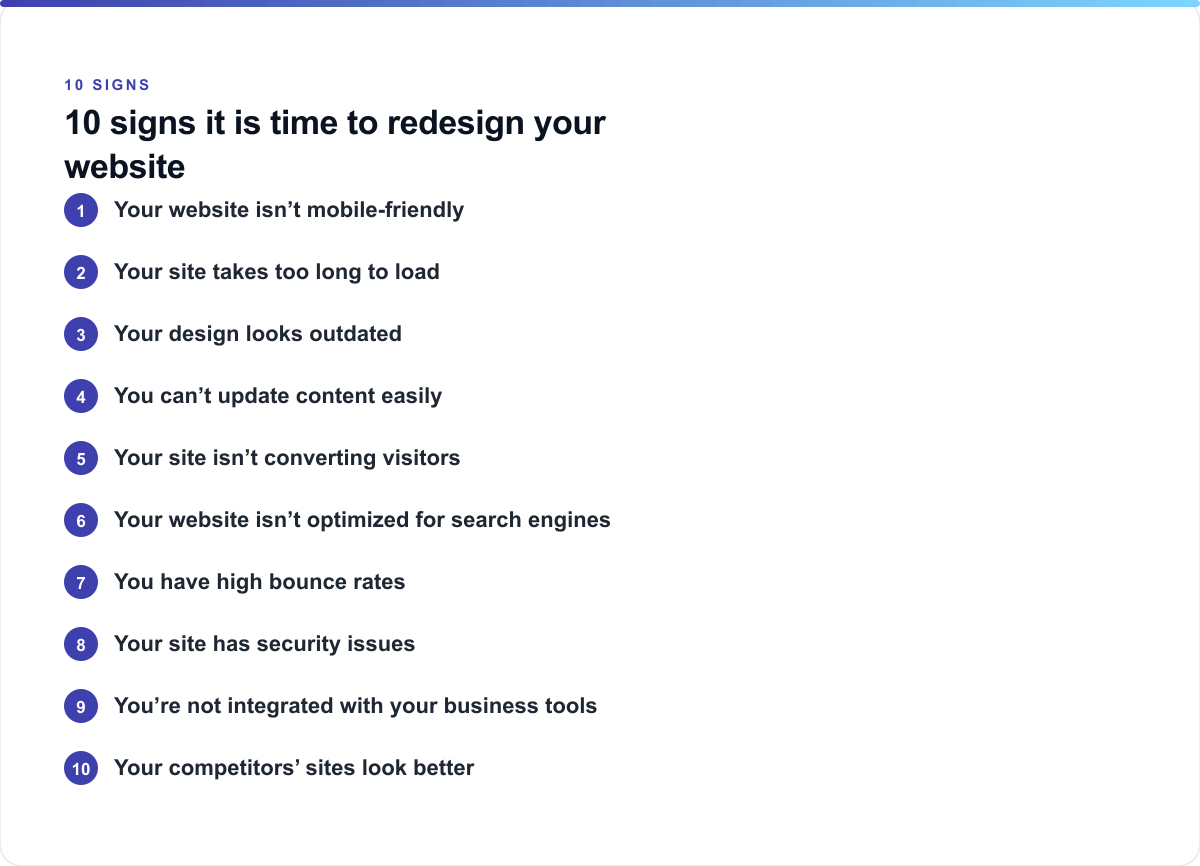
Why a Website Redesign Checklist Matters for Small Business
Your website is often the first impression potential customers have of your business. If it's outdated, slow, or difficult to navigate, you're losing opportunities every single day. A solid website redesign checklist for small business helps you objectively evaluate whether your site needs attention.
Federal contractors, SBA-certified companies, and service businesses especially need websites that build trust and convert visitors into clients. This website redesign checklist will walk you through the warning signs that it's time to modernize.
Sign 1: Your Website Isn't Mobile-Friendly
Over 60% of web traffic now comes from mobile devices. If your site doesn't respond properly on phones and tablets, you're failing half your audience.
- Check if your site resizes properly on mobile devices
- Test button and form sizes on smartphones
- Ensure images load quickly on slower connections
- Verify navigation menus work on touch screens
This is often the first item on any website redesign checklist because mobile functionality directly impacts your search rankings and user experience.
Sign 2: Your Site Takes Too Long to Load
Website speed is critical. Pages that load in over 3 seconds lose visitors rapidly. Google also ranks faster sites higher in search results.
Use free tools like Google PageSpeed Insights to measure your site's performance. Common culprits include:
- Unoptimized images that are too large
- Outdated server infrastructure
- Too many plugins or third-party scripts
- Poor caching settings
- Excessive advertisements or animations
When you add "speed optimization" to your website redesign checklist small business, you're directly addressing user retention and SEO performance.
Sign 3: Your Design Looks Outdated
Web design trends evolve constantly. If your site design looks like it was built 5+ years ago, visitors will question whether your business is still active and professional.
Signs your design needs updating include:
- Outdated color schemes that feel dated
- Poor typography or hard-to-read fonts
- Excessive flash animations or auto-playing videos
- Cluttered layouts with too much information
- Inconsistent branding throughout pages
Your website redesign checklist should prioritize visual modernization alongside functionality improvements.
Sign 4: You Can't Update Content Easily
If updating your website requires technical knowledge or paying someone every time you change text, your platform isn't working for you. Small business owners need to maintain control over their content.
Include this on your website redesign checklist:
- Can you add blog posts without coding?
- Is there a user-friendly content management system (CMS)?
- Can you update prices and service descriptions independently?
- Are you locked into a platform that limits flexibility?
Moving to a modern CMS like WordPress, Webflow, or similar solutions makes maintenance sustainable and cost-effective.
Sign 5: Your Site Isn't Converting Visitors
A beautiful website means nothing if it doesn't generate leads or sales. If your contact forms aren't getting submissions, or you're not seeing inquiries from your site, it's time to reassess.
Your website redesign checklist for small business should include conversion analysis:
- Where are visitors clicking?
- Do you have clear calls-to-action (CTAs)?
- Are contact forms easy to find and use?
- Is your value proposition immediately clear?
- Do you have trust signals like testimonials or certifications?
For federal contractors and SBA-certified companies, displaying relevant certifications prominently is essential for credibility.
Sign 6: Your Website Isn't Optimized for Search Engines
If you're not appearing in Google search results for relevant keywords, your site isn't serving its purpose. An outdated website redesign checklist often overlooks SEO fundamentals.
Check whether your site includes:
- Proper meta titles and descriptions
- Header tags (H1, H2, H3) for structure
- Fast loading speeds (Google ranking factor)
- Mobile responsiveness
- Internal linking to relevant pages
- Schema markup for local business information
When planning your redesign, integrate SEO from the start rather than trying to fix it afterward.
Sign 7: You Have High Bounce Rates
If most visitors leave your site without exploring multiple pages, something is wrong. High bounce rates indicate poor user experience, unclear messaging, or irrelevant content.
Analyze bounce rates using Google Analytics and include this in your website redesign checklist:
- Are pages taking too long to load?
- Is your headline confusing or unclear?
- Is there a clear next step for visitors?
- Does the page content match what they expected?
- Are there too many distracting ads or pop-ups?
A redesign focused on user experience can dramatically improve these metrics.
Sign 8: Your Site Has Security Issues
Outdated websites are vulnerable to hacking and data breaches. If your site isn't HTTPS-secured, doesn't have regular backups, or runs on outdated software, it's a liability.
Your website redesign checklist small business must address security:
- Is your site SSL-encrypted (HTTPS)?
- Do you have regular automated backups?
- Is your platform updated regularly?
- Are forms handling sensitive information safely?
- Is sensitive data like federal contractor information protected?
Security isn't optional—it's essential for protecting your business and customers.
Sign 9: You're Not Integrated With Your Business Tools
Modern websites should connect to your CRM, email marketing platform, appointment scheduling system, and accounting software. If yours doesn't, you're manually entering data and wasting time.
Evaluate integration needs on your website redesign checklist:
- Can your site connect to your email marketing platform?
- Do forms feed automatically into your CRM?
- Can clients book appointments directly?
- Does your site sync with your inventory or project management tools?
The right redesign improves efficiency across your entire operation.
Sign 10: Your Competitors' Sites Look Better
This is a competitive reality: if your competitors' websites outshine yours, you're losing business. Visit competitor sites and note what they do better. That comparison can help populate your website redesign checklist.
Look for:
- Better visual design and layout
- Clearer value propositions
- More robust content
- Better functionality or features
- Stronger calls-to-action
Creating Your Action Plan
Once you've identified that your site needs updating, use this website redesign checklist for small business to plan your next steps:
- Audit your current site thoroughly
- Identify your top 3-5 priority improvements
- Set a realistic budget and timeline
- Choose a platform that grows with your business
- Plan your content migration strategy
- Design for mobile first
- Build in SEO from the start
- Test thoroughly before launch
- Plan your launch strategy (redirects, announcements)
- Set post-launch analytics tracking
Starting at just $500, Webteqno specializes in helping small businesses, federal contractors, SBA-certified companies, and service businesses get professional websites that actually work. Whether you need a complete redesign or specific improvements, having the right partner makes all the difference.
Ready to upgrade your website? Use this website redesign checklist to evaluate your current site, then reach out to Webteqno to discuss your redesign goals. Contact Webteqno today for a free consultation on how a modern website can transform your business growth.
